A well-crafted email signature not only adds a professional touch to your messages but also serves as a powerful branding and contact tool. Whether you’re a business professional, an entrepreneur, or someone who simply wants to add a personal flair to your emails, setting up signatures in Gmail is a valuable skill to master.
Outlook provides a convenient feature called “Out of Office” that allows you to automatically send replies to incoming emails when you are away from the office. This feature helps manage expectations and ensures that important communications are addressed even when you’re not available. In this document, we will guide you through the process of setting up your Out of Office auto-reply agent in Outlook.

Setting up an out-of-office message in Gmail allows you to inform people that you’re currently unavailable and provide them with alternative contacts or information. Follow these step-by-step instructions to configure your out-of-office message in Gmail.
Outlook allows you to create personalized signatures that can be automatically added to your emails, providing a professional touch and consistent branding. In this document, we will guide you through the process of setting up your email signatures in Outlook.

The “Gmail User Guide” is a comprehensive and concise manual designed to help users navigate and maximize the features of Gmail, Google’s popular email service.
You are Not Enrolled in this Course.
Course Description
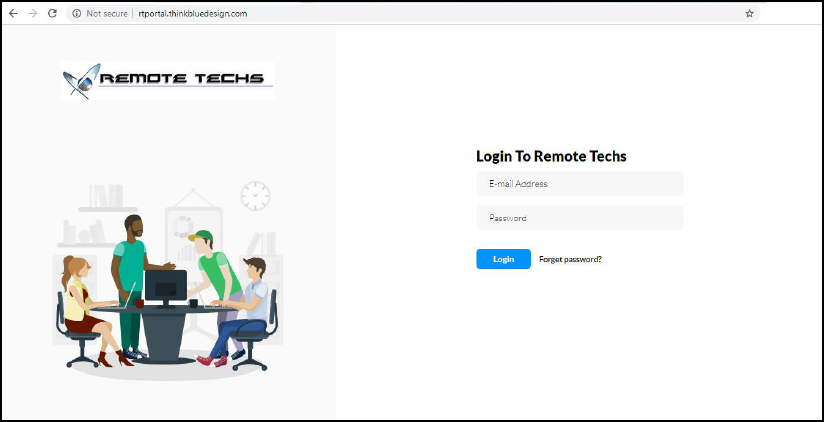
This course will teach you how to use the RT Portal software. Each lesson will teach you how to do something new! Continue reading »